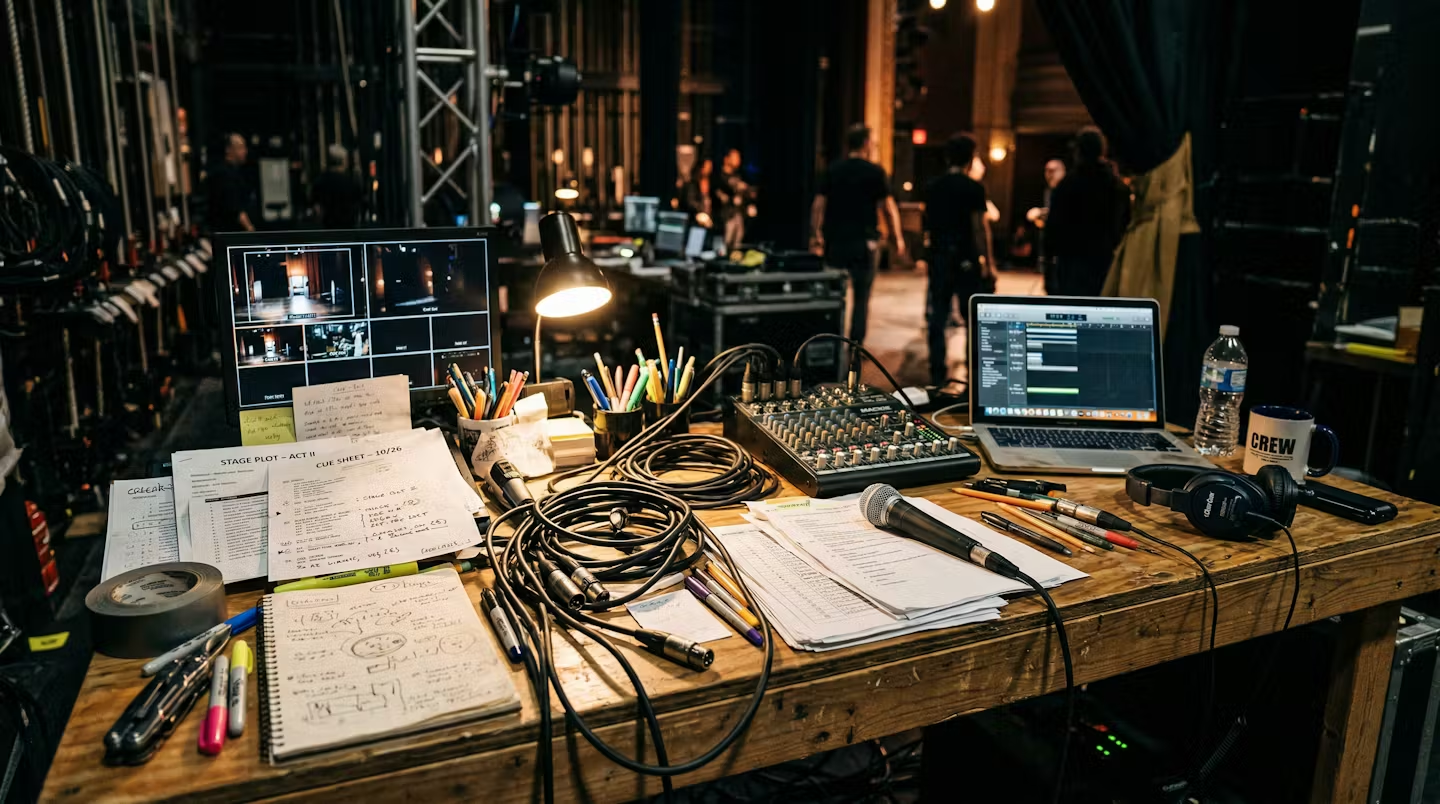
A schedule for every show day.
Keep multi-day calls together, with each day’s call and wrap times visible in the gig record. Review changes on the day they happened.
THE GIGLEDGER WORKFLOW
From booking details to the invoice you send, keep the record connected to the work.
FROM THE FIRST CALL TO THE FINAL FOLLOW-UP
Keep the work and the paperwork connected.
Example iPhone screens with fictional data.
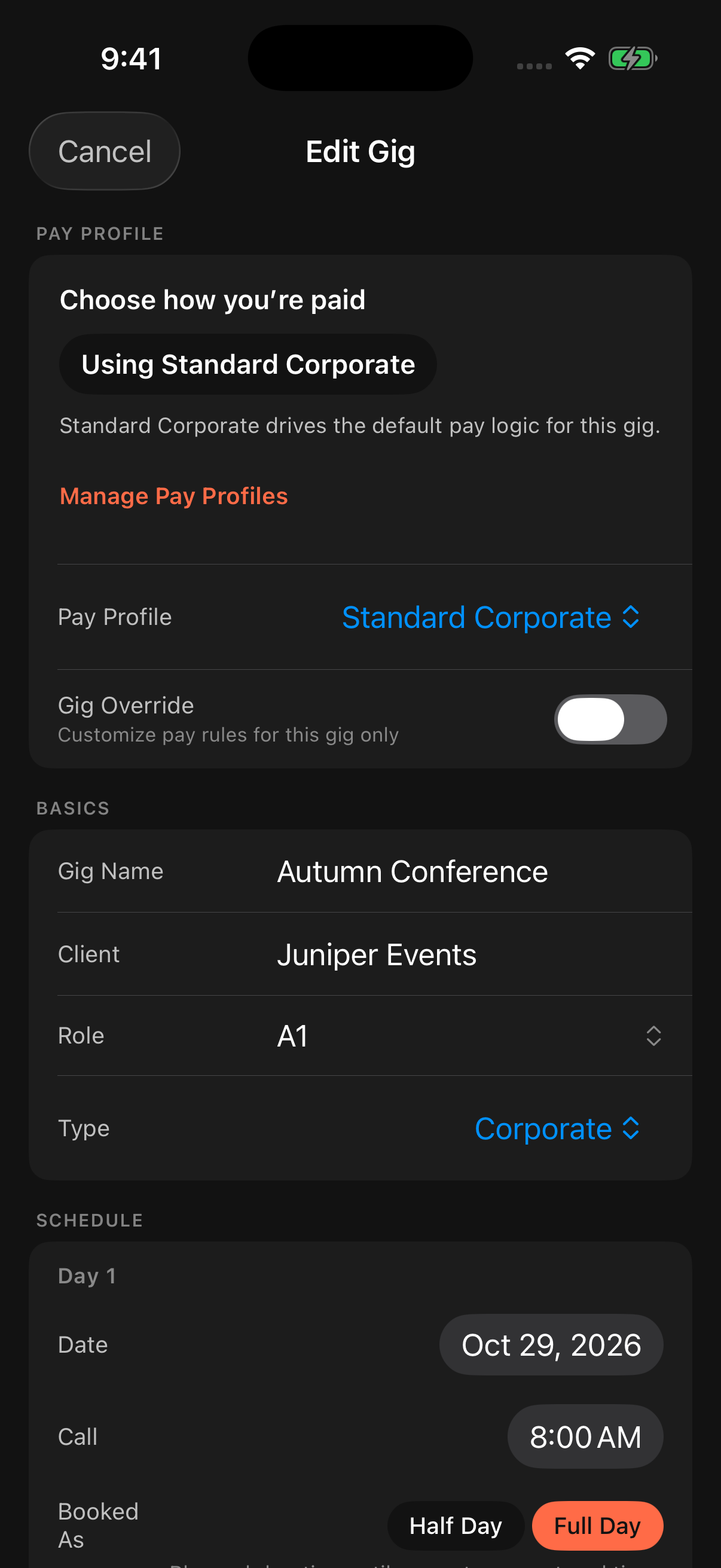
GigLedger for iPhone · Booking details
01 / BOOK IT
Add the client, date, location, agreed rate, and notes. Keep the booking details together before the day gets busy.
Keep multi-day calls together, with each day’s call and wrap times visible in the gig record. Review changes on the day they happened.
Use pay profiles for repeat arrangements, then review the rate and any exceptions on each booking. Keep labor and equipment charges distinct.
Keep labor, kit fees, mileage, and expenses connected. Review the invoice preview before sharing, and use your own logo with Pro.
Export gig and invoice records for the bookkeeping tools you already use. GigLedger keeps the work organized alongside your accounting workflow.
FOR THE PEOPLE BEHIND THE SHOW
Start with the booking you already have.
Try GigLedger free with up to 3 total gigs.